
Library and search
Organize resources by project and find information in context.
Download Dome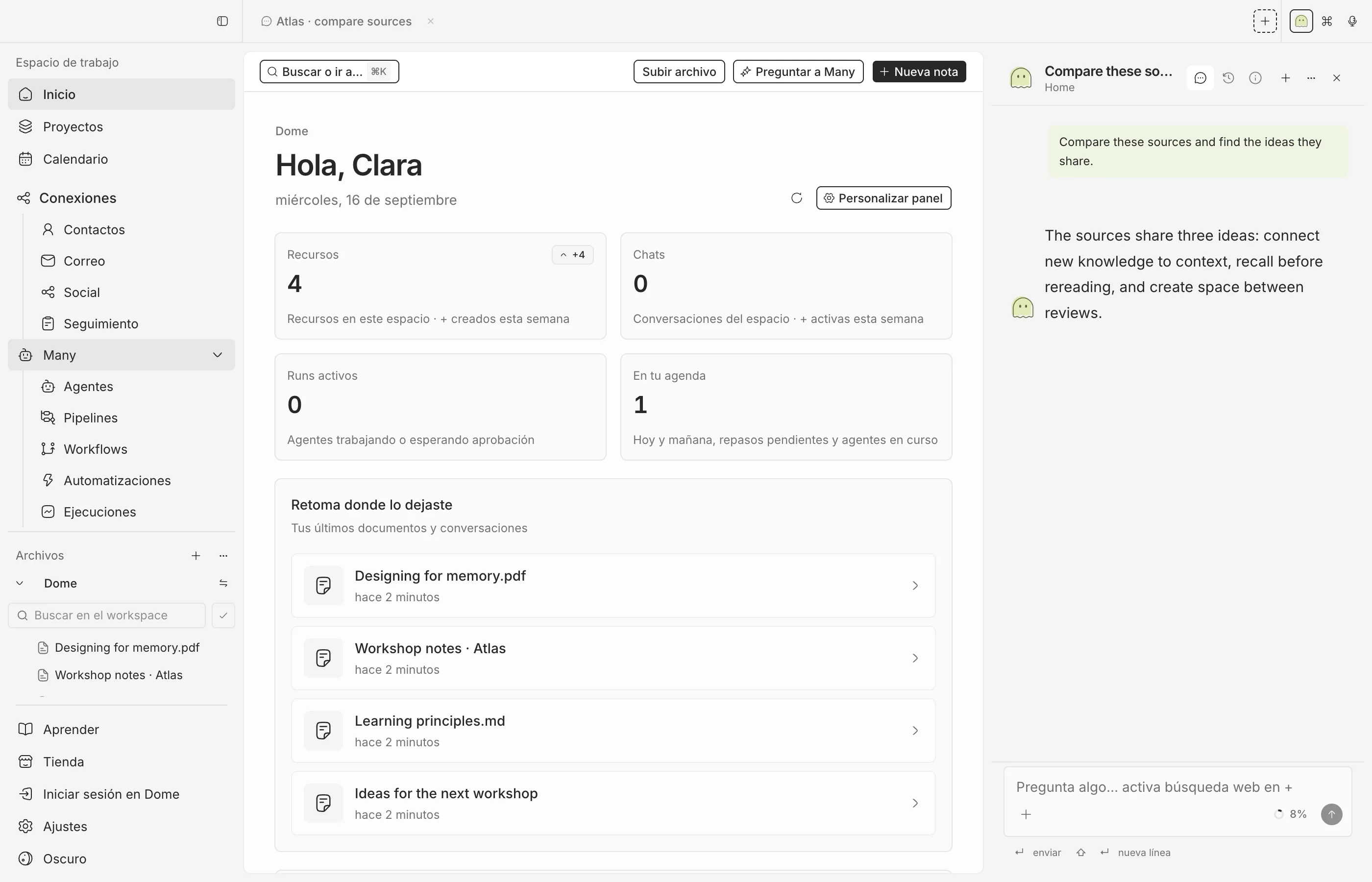
How to use it
- Select the project and destination folder in the sidebar.
- Import your files or create a note. Open the resource to review its content.
- Organize resources in folders and use recognizable names.
- Search by text; for semantic queries configure document search in Settings → AI and check indexing in Settings.
What you get
Files retain their format and notes are saved as Markdown in the project vault.